

Platform
Teams and organizations
On this page
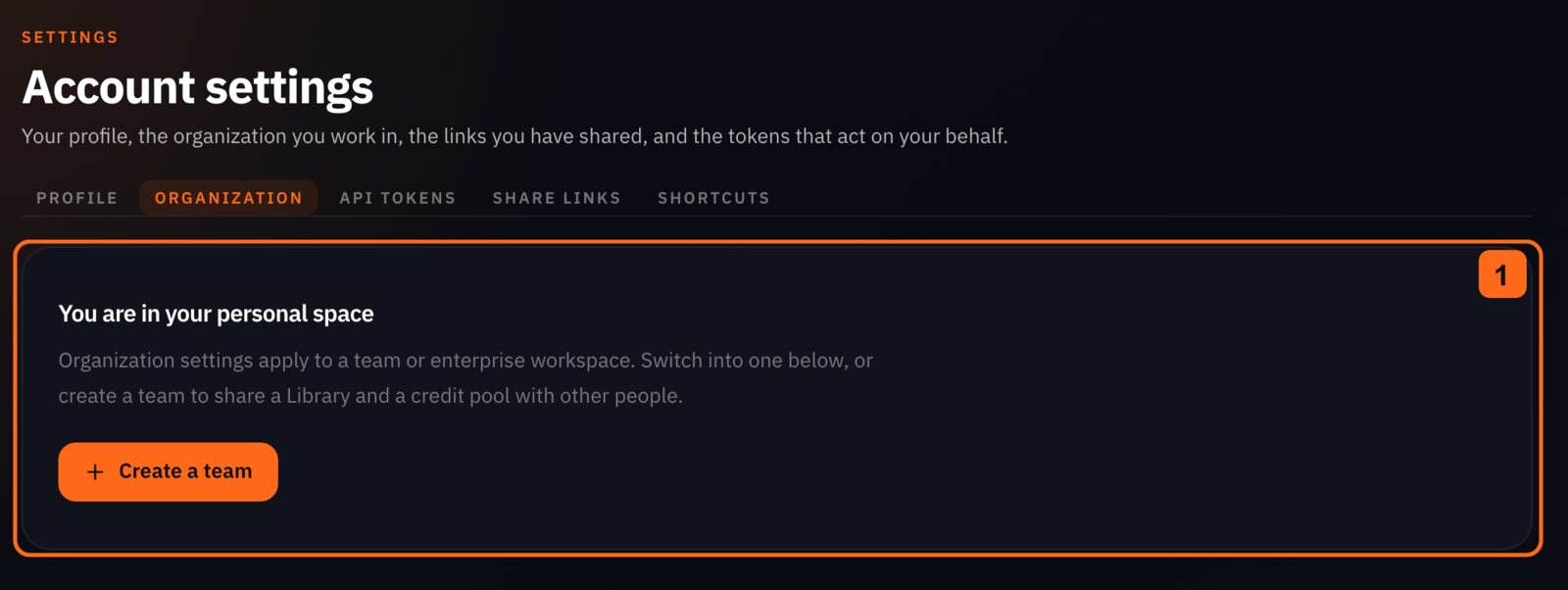
Share a Library and credit pool with your team. You will be able to switch between personal and organization work, manage members and access, and read your team's credits, usage and audit trail.

Personal space or one active organization #
Use PUT /me/active-organization to choose your context. This is server state: the app, CLI, MCP and your NOLGIA Agent credentials follow it on their next request. Send organization_id: null to return to your personal space. You must belong to an organization to select it. Organization API keys stay bound to the organization they were created for.
You can create a team organization with POST /organizations; it becomes your active organization and gets a default Library project. Enterprise organizations are managed through a contract.
Roles #
| Role | What you can do |
|---|---|
owner |
Manage everything, including deletion and ownership transfer. |
admin |
Manage members, invites, domains, SSO, storage, budgets and any Library item, and read the audit log. |
billing |
Manage seats and invoices, and read members. |
member |
Create, generate and manage your own items, and read the whole Library. |
viewer |
Read the Library without consuming a seat. |
Endpoints #
| Method | Path | What it does |
|---|---|---|
| GET | /organizations |
List the organizations the current user belongs to, with their role in each. |
| POST | /organizations |
Create a team organization owned by the current user. |
| GET | /organizations/{id} |
Get one organization the current user belongs to. |
| PATCH | /organizations/{id} |
Update an organization's name or settings (owner or admin). |
| DELETE | /organizations/{id} |
Soft-delete an organization (owner only). |
| GET | /organizations/{id}/audit-events |
List the organization's audit trail, newest first (owner or admin). |
| GET | /organizations/{id}/audit-events/export |
Download the whole audit trail as CSV (owner or admin; enterprise plan only). |
| GET | /organizations/{id}/credits |
Get an organization's shared credit pool and per-member budgets. |
| GET | /organizations/{id}/usage |
Roll up an organization's consumed credits by member, model or day. |
Running the organization #
Adding people, letting them in, authenticating on the organization's behalf and choosing where its files live are all owner and admin work, and they have their own page: Managing your team covers members, invites, verified domains and SSO, organization API keys, and bringing your own storage.
Credits and usage #
Read GET /organizations/{id}/credits for the shared pool, subscription period, seats and monthly member budgets. Owner, admin and billing roles can see every member's budget and spend; member and viewer roles see their own row. Budget usage counts held and consumed reservations in the current UTC calendar month.
Read GET /organizations/{id}/usage for consumed credits grouped by member, model or day. This excludes held and released reservations. The default window is the current UTC calendar month, and a custom window can span up to 366 days. Owner, admin and billing roles see the whole organization; member and viewer roles see their own spend.
Audit events #
As an owner or admin, list events with GET /organizations/{id}/audit-events, newest first. Use the action and actor filters to narrow the list. On an enterprise plan, GET /organizations/{id}/audit-events/export downloads the whole trail as CSV.